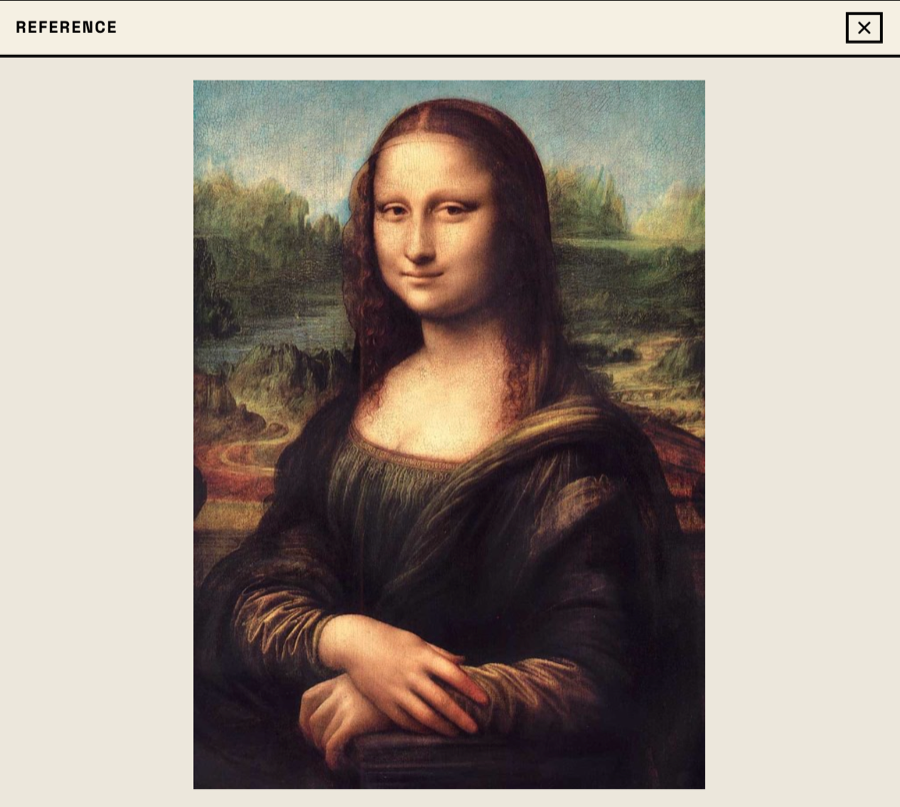
Reference
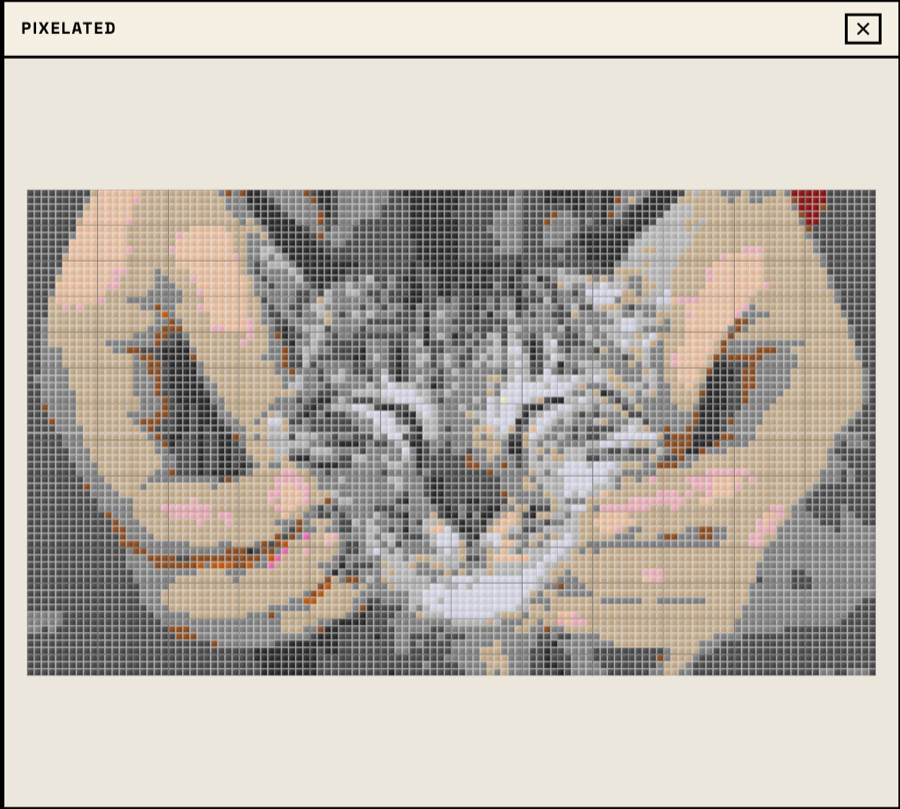
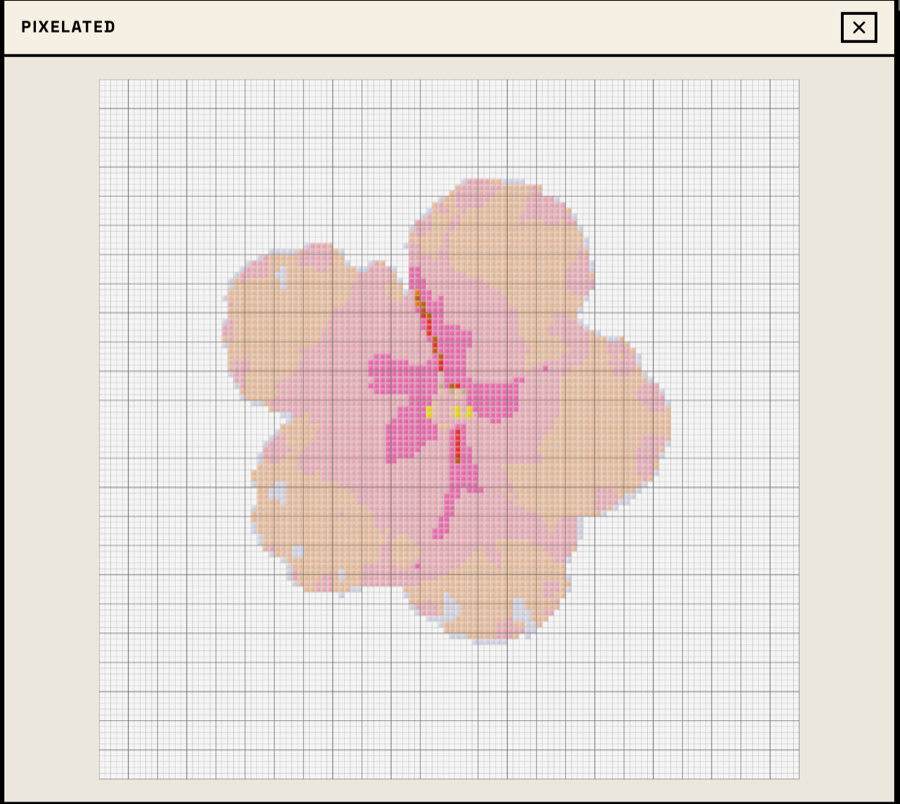
Pixelated
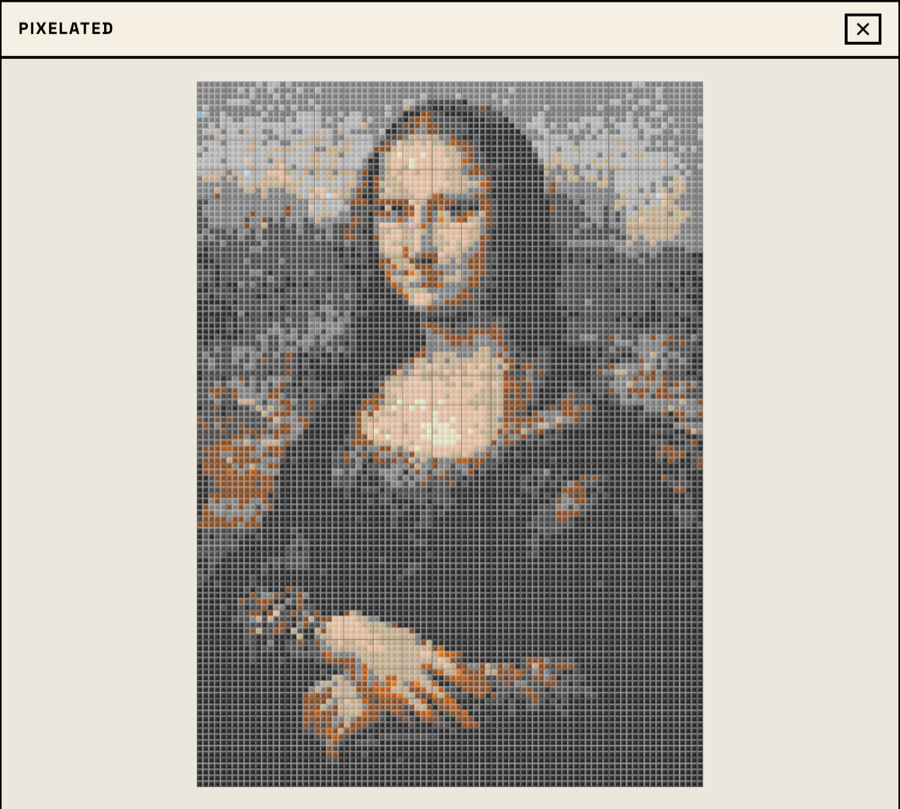
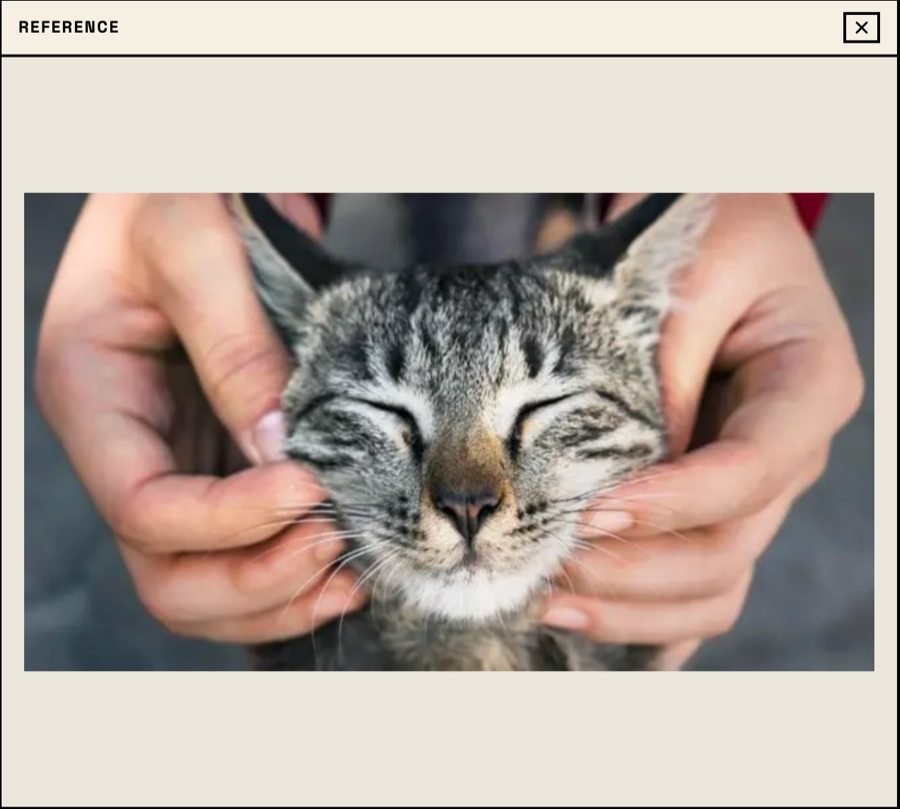
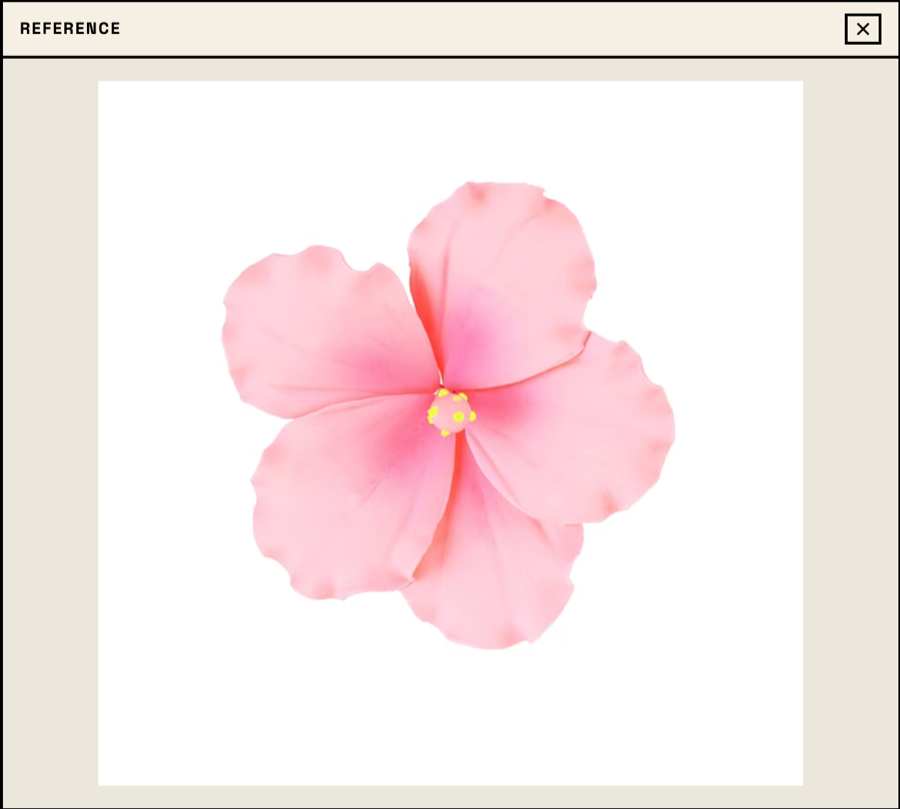
Source image
Start with a photo, icon, sketch, or pixel art reference. High-contrast images produce cleaner bead patterns.
Professional bead pattern tools, completely free
Upload any PNG, JPG, or GIF and convert it to a bead pattern instantly using perceptual color matching.
All colors match real Perler/Hama bead colors. What you see is what you get at the craft store.
Paint, erase, flood fill, undo/redo — everything you need to refine your pattern by hand.
Download your pattern as PNG with optional grid coordinates and color legend for easy assembly.
Works on phones and tablets with touch support for zoom, pan, and drawing.
No sign-up, no watermarks, no limits. Just open it and start creating.
Compare a simple source image with the bead-grid result before you commit to a large Perler beads, Hama bead, or pixel bead project.
Start with a photo, icon, sketch, or pixel art reference. High-contrast images produce cleaner bead patterns.
The editor maps the image to standard bead colors, so the result is easier to build with real supplies.
Export a pattern with coordinates and a color legend, then use it as your assembly guide.
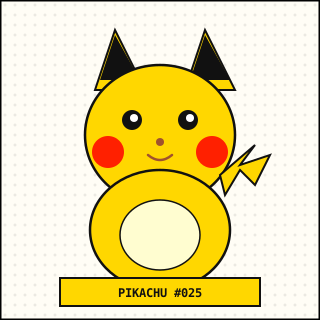
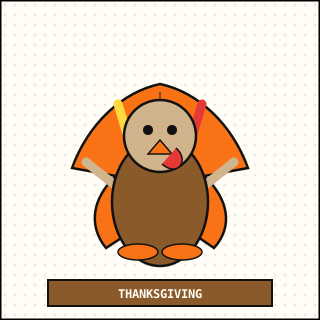
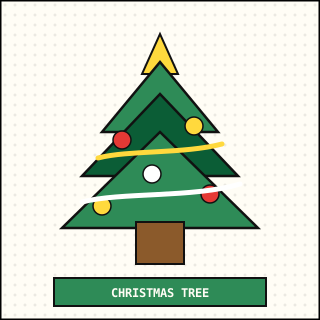
A static starter ranking for projects that are easy to recognize, quick to build, and useful for testing the editor.
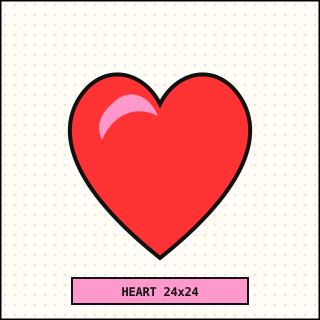
A compact starter pattern for cards, tags, and color tests.
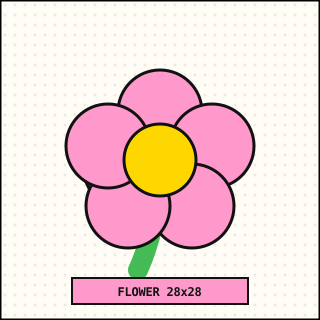
A cheerful pattern for practicing rounded shapes and color groups.
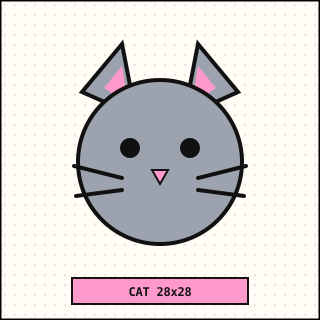
A friendly animal face with simple outlines and soft cheek details.
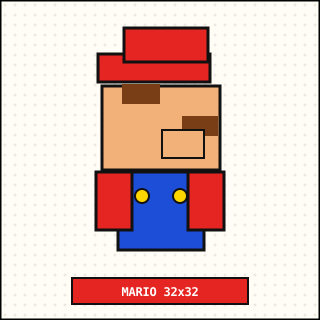
A bold pixel character layout for square pegboards and display pieces.
A compact fan craft pattern for keychains, magnets, or framed pieces.
A warm holiday pattern with a fan tail and friendly expression.
Use these topic libraries as entry points for future printable pattern collections and long-tail craft ideas.
From keychains and small gifts to room decor and printable guides, pick a bead project by how you want to use it.
Small layouts, fewer colors, and quick wins for making your first finished bead project.
Compact bead projects that work well for party favors, handmade gifts, and cards.
Simple projects for magnets, desk accents, wall decor, and everyday display pieces.
Export patterns with a grid and color legend so they are easier to follow while assembling.
Jump into seasonal projects for Christmas, Halloween, Easter, and other celebrations.
Small-format patterns sized for bag charms, keychains, and portable accessories.
Make initials, name tags, gift labels, and classroom-friendly decorations.
Review supplies, ironing basics, and beginner steps before starting a full project.
Follow the complete Perler beads workflow: choose supplies, match colors, print the pattern, iron safely, and frame the finished piece.
Quick answers for grid size, printing, bead counts, ironing, and brand compatibility.
Beginners usually do well with 20×20 to 40×40 grids. Photos or detailed artwork often need 60×60 to 100×100 grids. Larger grids keep more detail but require more beads.
Yes. Upload a photo and the editor converts it into a bead grid using standard bead colors. You can then refine the size, colors, and individual cells.
When using Pokémon-related images as bead pattern references, keep in mind that those materials may be protected by copyright, trademark, and other rights. Use them only for personal, non-commercial fan craft, and do not sell, redistribute, or imply official affiliation.
Use the color count panel in the editor. It lists the number of beads per color, which makes it easier to prepare supplies before printing or ironing.
Export the version with grid coordinates and a color legend, then print it as a reference sheet. For larger projects, work in sections so the grid stays easy to follow.
Use medium heat with no steam and iron through parchment or ironing paper for about 10 to 20 seconds. Time varies by iron, bead brand, and pattern size.
They are both fuse beads and work in similar ways, but color palettes, melt behavior, and finish can vary by brand. Test a small sample before mixing brands in a large project.